Customize Handwriting
Preview
Upload a PDF to see the handwritten preview

Convert PDF notes Realistic handwriting with our advanced PDF to handwriting changer tool by simply uploading a PDF and get text that perfectly looks like handwritten text, which you can preview on blank and lined papers. There is no page size limit, and you can use many customization options such as changing the handwriting style, text color, page width (A4 or B5), and line height. Perfect for students creating homework assignments, teachers preparing personalized study materials, or professionals adding a human touch to documents.
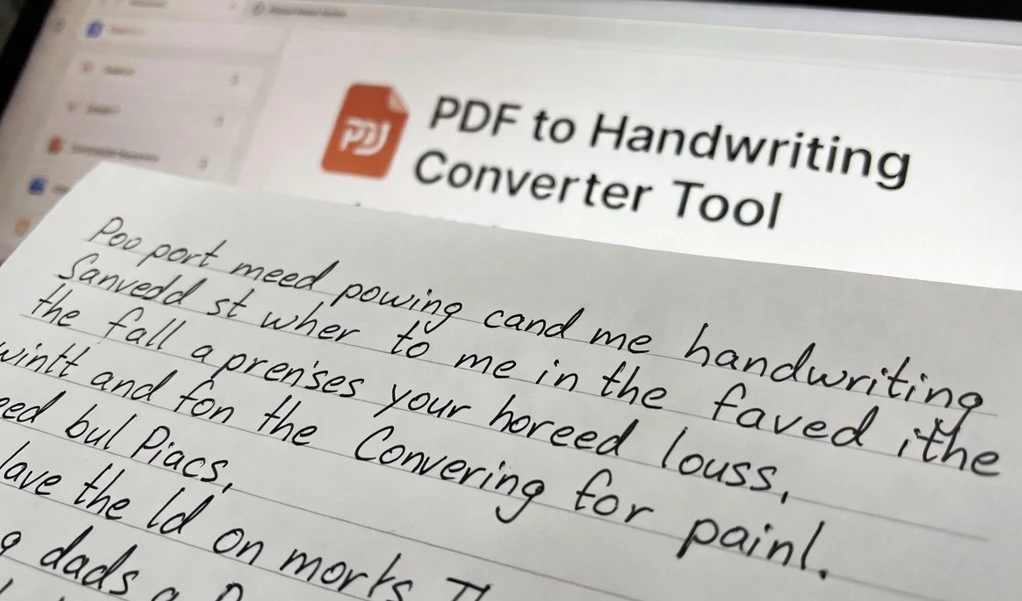
This advanced PDF to Handwriting conversion technology transforms digital documents into authentic-looking handwritten papers with unmatched realism and customization options. Our advanced PDF parsing engine maintains over 99.8% accuracy in text extraction across properly formatted documents. The system preserves formatting elements including paragraphs, line breaks, and basic text alignment to ensure your handwritten conversion maintains the original document structure.
This tool is very easy to use. Anyone can use it, even without any technical knowledge.
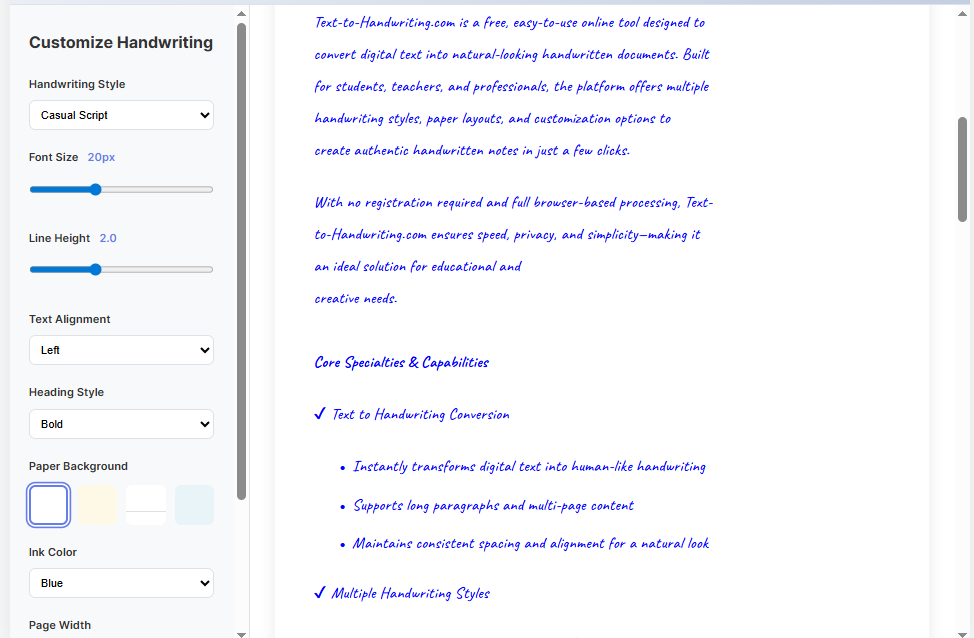
You need only a few steps. You do not need to sign-up. You do not need extra skills. The tool handles everything fast and easily.
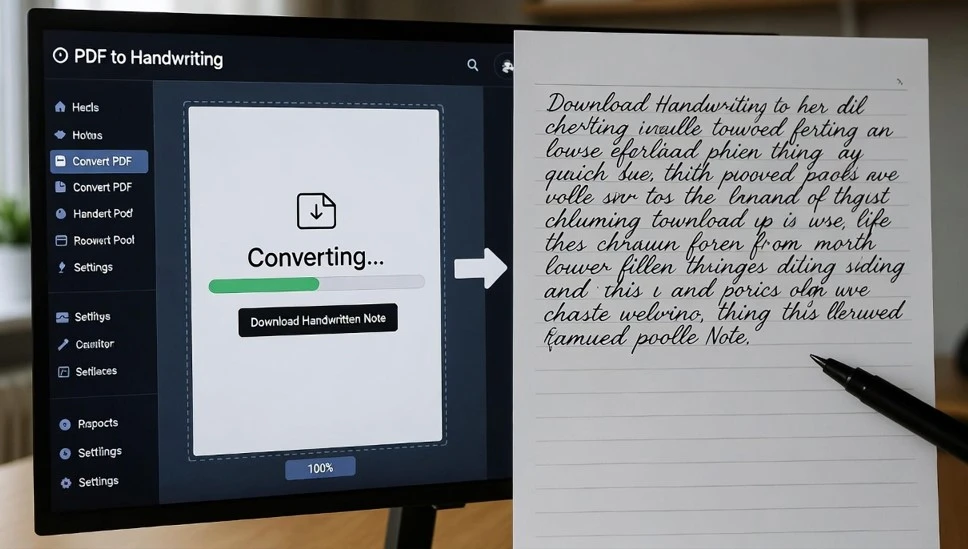
The use of this PDF to Handwriting Converter is going to be a great tool for you. Simply upload your PDF in the left section, choose the handwriting style, font size, text alignment, heading style, paper background, ink color, and page width. After selecting your customization options, click on the Convert button. This tool converts your digital notes or assignments into a realistic handwriting style, which you can submit to your school or college.
This tool is free to use and you can find it perfect to generate content anytime you want. The kind of content that your audience is going to love for its speed and clean look.
A PDF to Handwriting Converter is a digital tool or software that transforms the text content within a PDF document into a handwritten-style font. The goal is to make the digital text appear as if it was personally written by hand, rather than typed.
Yes, our handwriting converter tool offer a wide range of different handwritten fonts or styles. These can range from neat and cursive to more casual and scribbled, allowing you to pick the one that best suits your needs or preferences.
No, your original PDF file remains untouched. The converter creates a new document with the handwritten style applied, leaving your source file completely intact.
Our tool works entirely in the browser. No user data is saved on our website. When you refresh the page, all data is automatically deleted, so you don’t need to worry about data leaks or security issues.
This tool is the perfect online solution for students and anyone who wants to convert their PDF files into handwritten notes or transform digital typed text into handwritten text. It is an advanced tool compared to other available options.
[Convert PDF to Handwritten Notes]